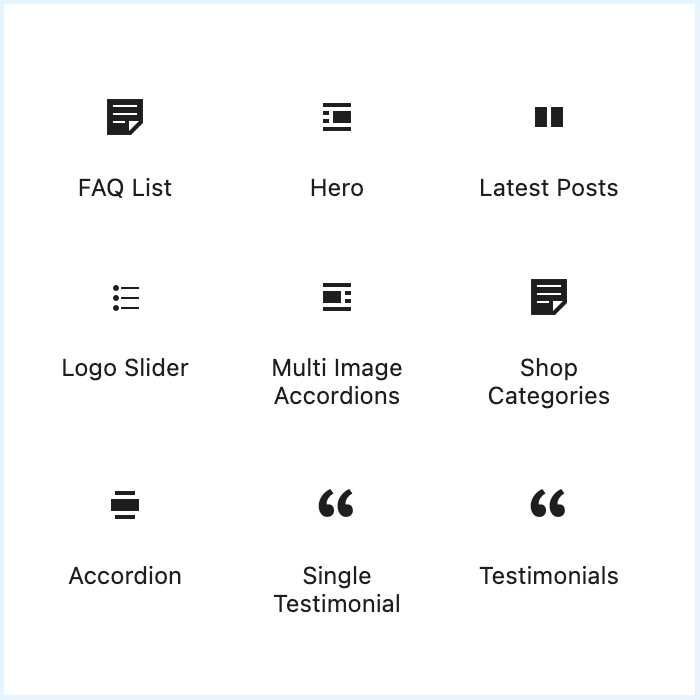
One of the Qala modules is Qala’s own block library that adds a number of useful blocks to the basic WordPress editor blocks.
You may be asking what is the difference between Qala Blocks and Qala Block Patterns? For you as a user, not much.
The Qala Block Patterns, which we went through previously, are built on multiple blocks in Gutenberg, while the Qala Blocks are blocks made specifically for Qala and its users.
We are constantly developing and finding new solutions to make life a little easier for you as a Qala user.
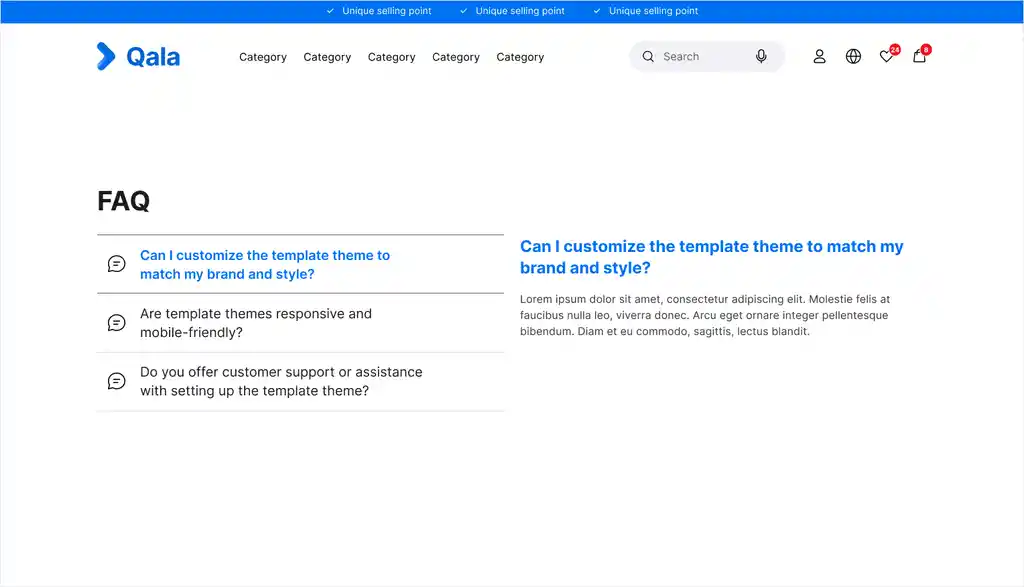
FAQ list
This block is built on a basic “FAQ” feature. You can easily edit and add text just by clicking on the part you want to change, just like any other block.
Add the block to posts or pages as you like.
Hero

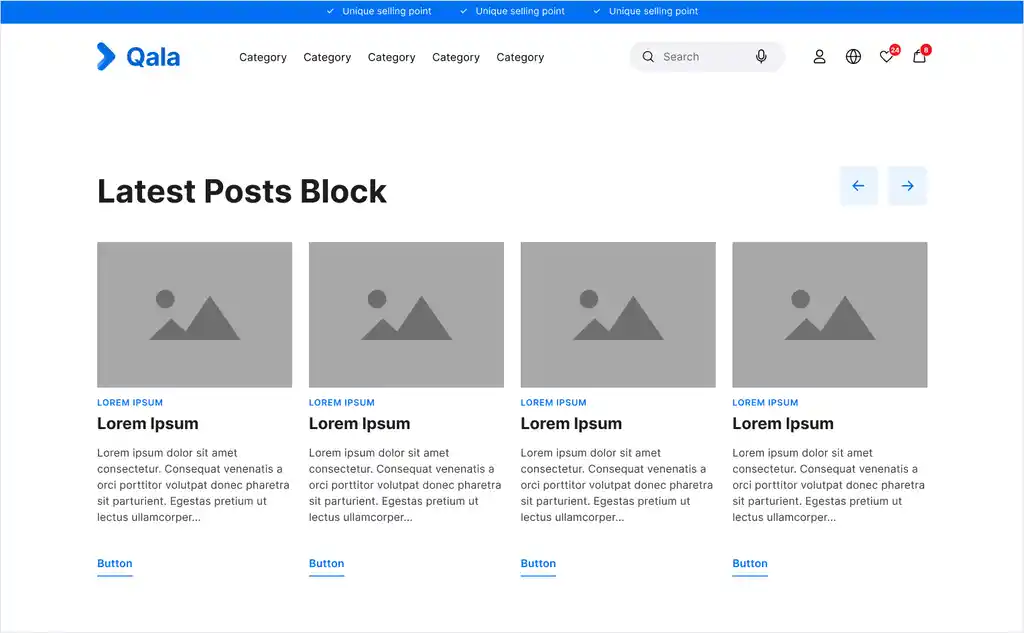
Latest posts
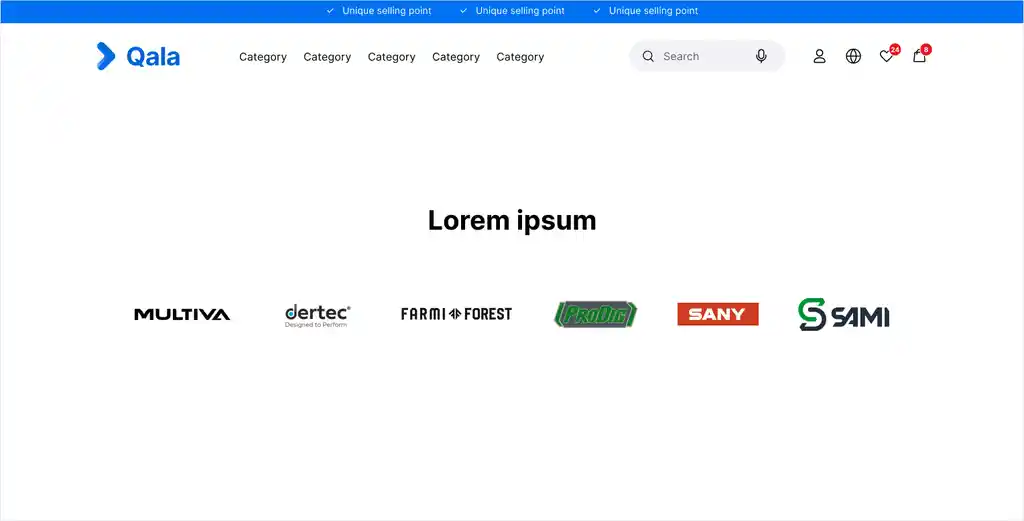
A nice slider to showcase clients/mentions/collaborations.
Logo slider
A nice slider to showcase clients/mentions/collaborations.
Multi Image Accordian
A nice slider to showcase clients/mentions/collaborations.
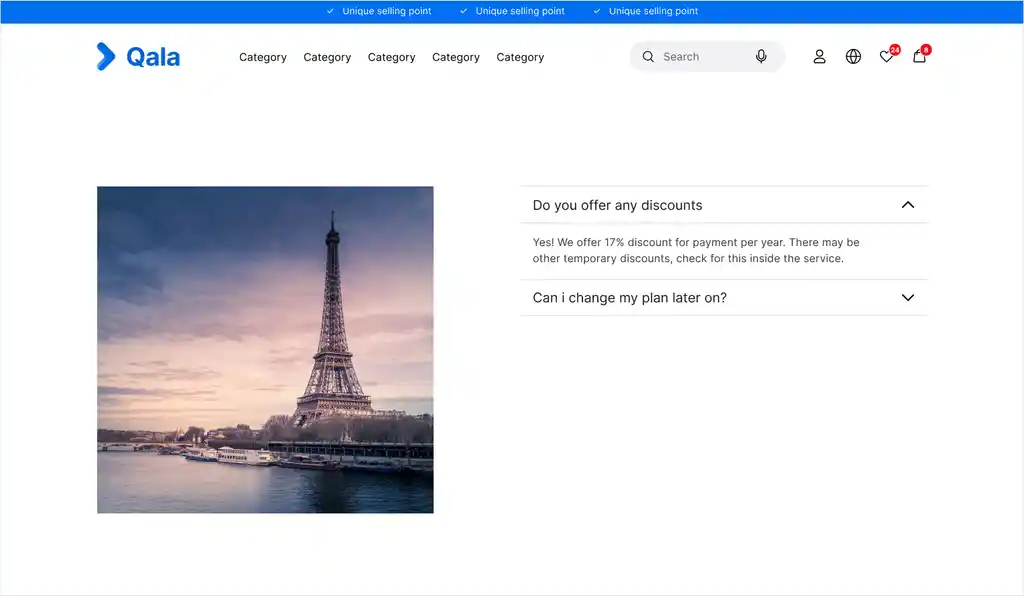
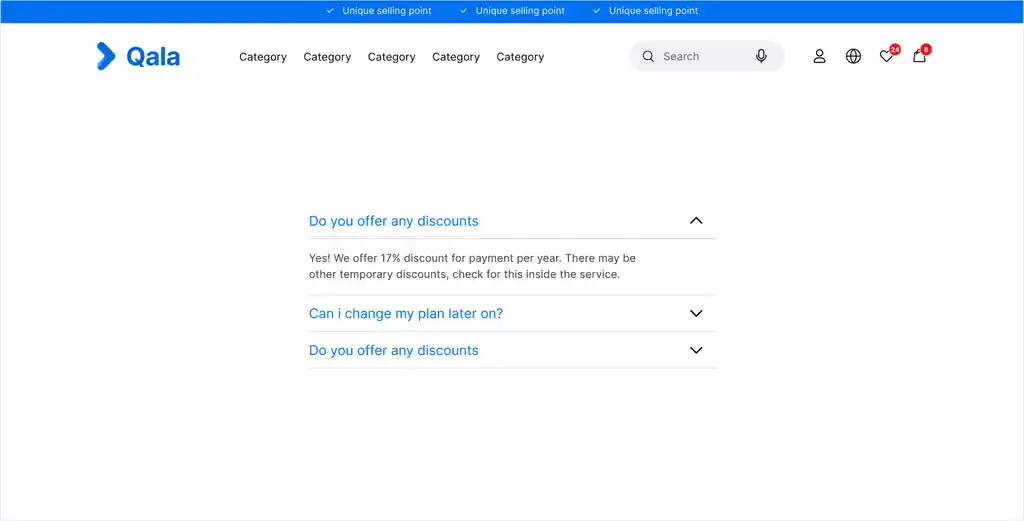
Accordian
Accordion is a handy Qala block that allows you to add beautiful accordions to your pages, posts, template files and anywhere on your website.
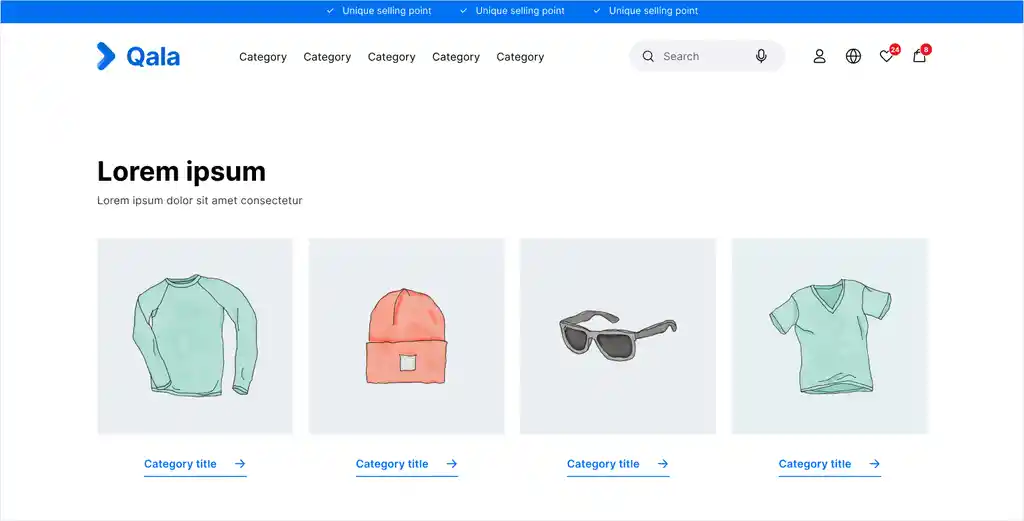
Shop categories
Accordion is a handy Qala block that allows you to add beautiful accordions to your pages, posts, template files and anywhere on your website.
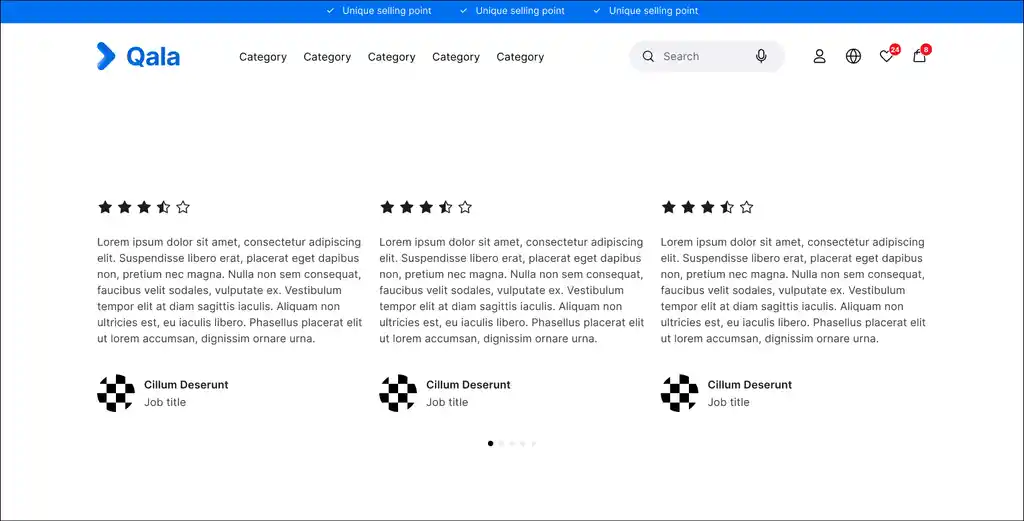
Client quotes
Testimonials
A block that allows you to add multiple quotes to your posts and/or pages.
Single testimonial
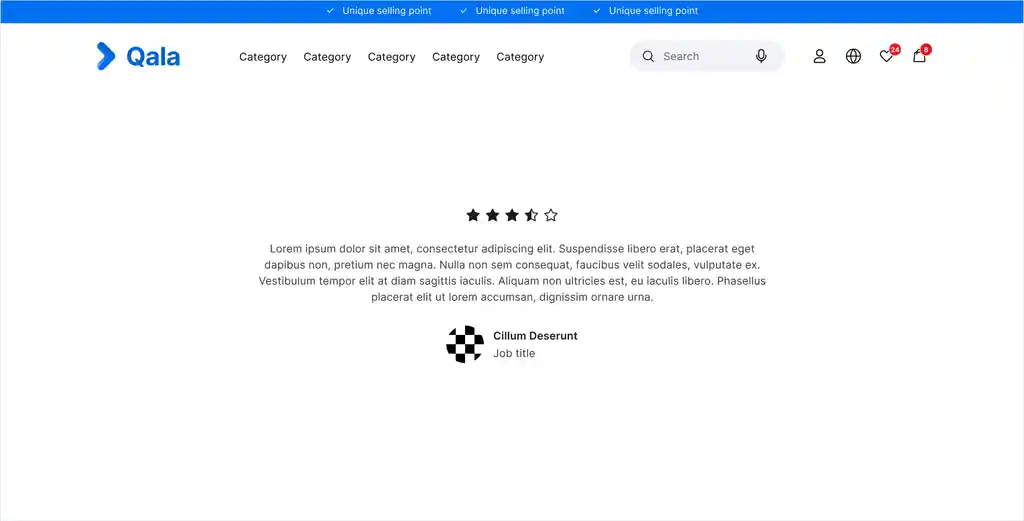
This block allows you to a single quote to your posts and/or pages.
That should be everything you need to know as a new Qala user. If you have any questions or concerns, don’t hesitate to contact your CSM!
Good luck!