Single testimonial
How to use the Qala block “Single testimonial”
To add the Qala block, press the plus icon. Then Browse all.
You can either scroll down to the section with Qala blocks, or you can just write the name of the block in the search area. Choose “Single Testimonial”.
Fill out the testimonial.
To the right, you will see your settings. If they are hidden, you can press the icon next to Publish. Make sure you have the Block tab open, not Page.
In these settings, you will add the rating, the reviewers name and picture. In the Review Information area, you can add a company name or a date. You can leave this empty if you want.
Decide if you want to align the testimonial to the left, right or center.
Go to your testimonial. If you want, you can style the quote by making it bold, italic, or highlight it with another color. Make sure you select the whole sentence. Here you can add a link as well.
Summary
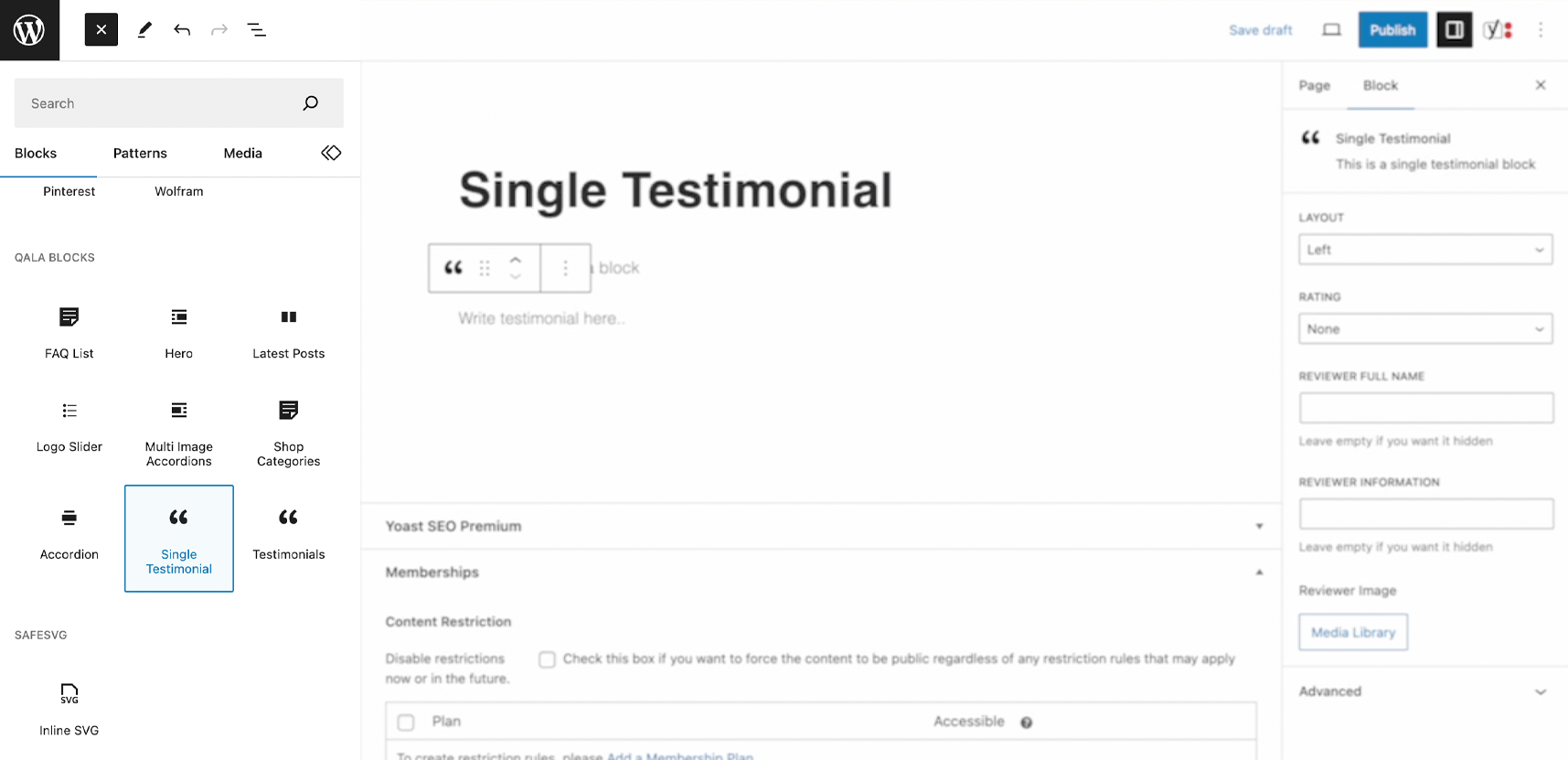
Add the Qala block Single Testimonial
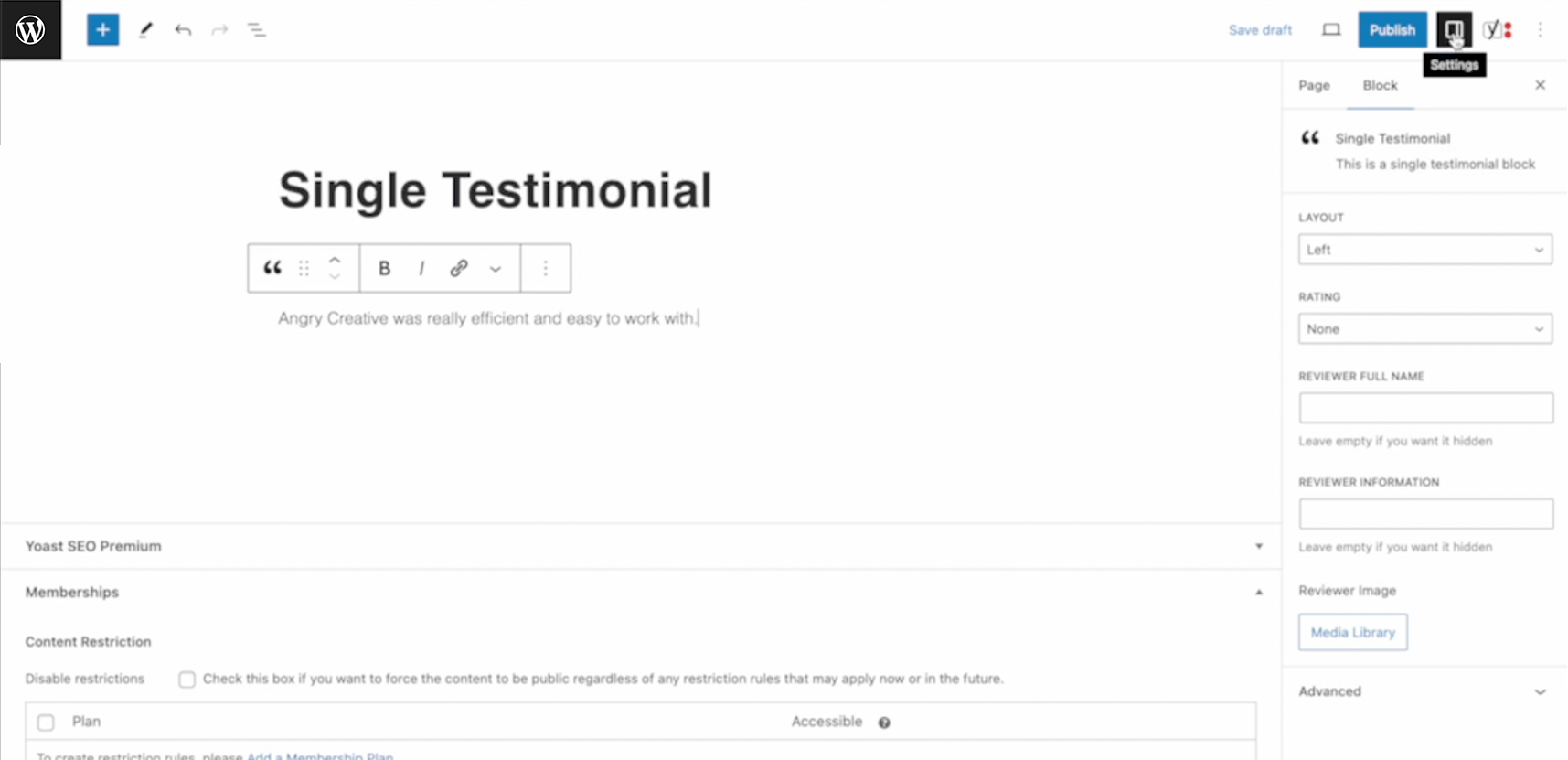
Write the quote
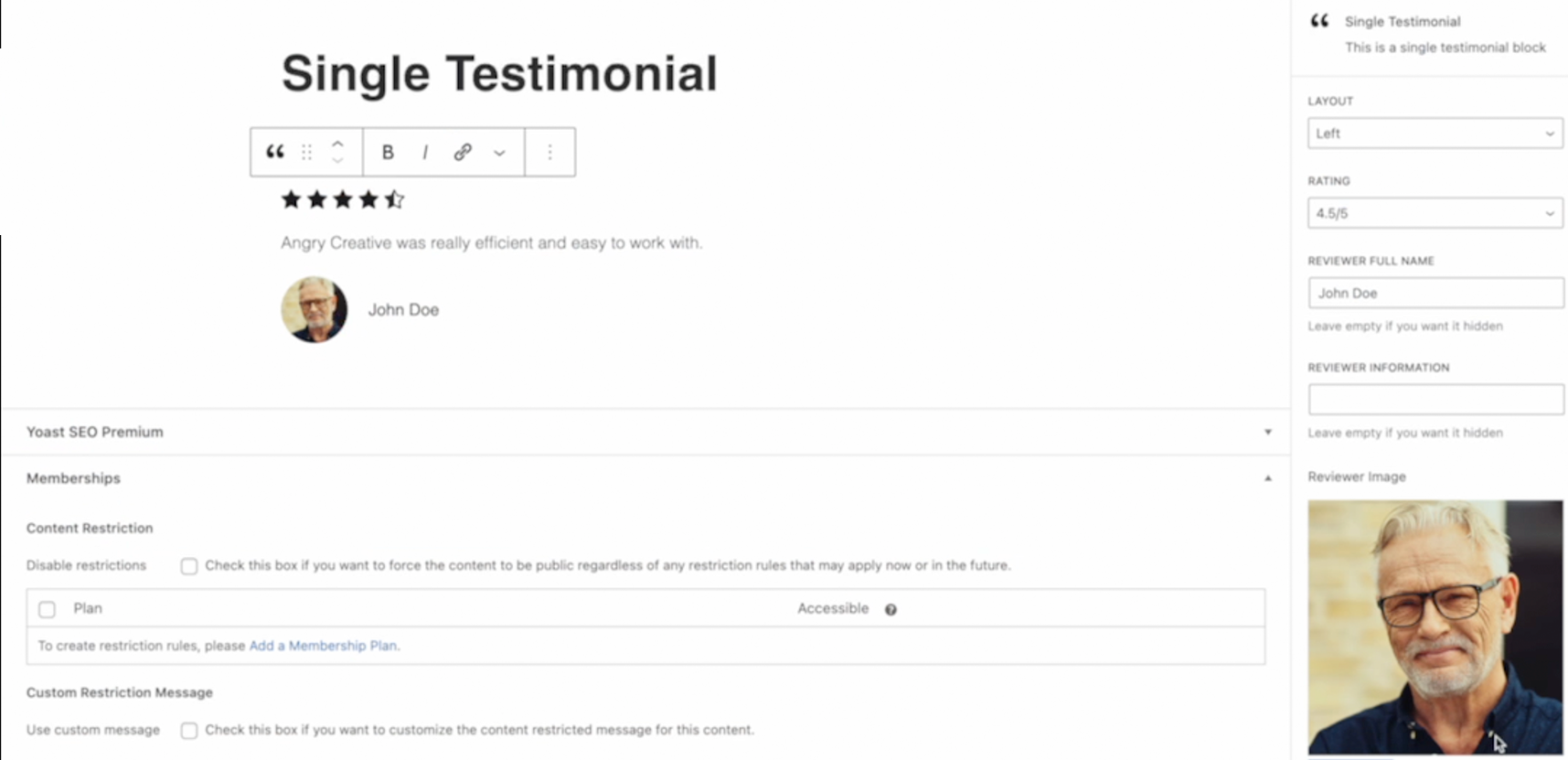
Add rating, name, info and image
Related Qala blocks
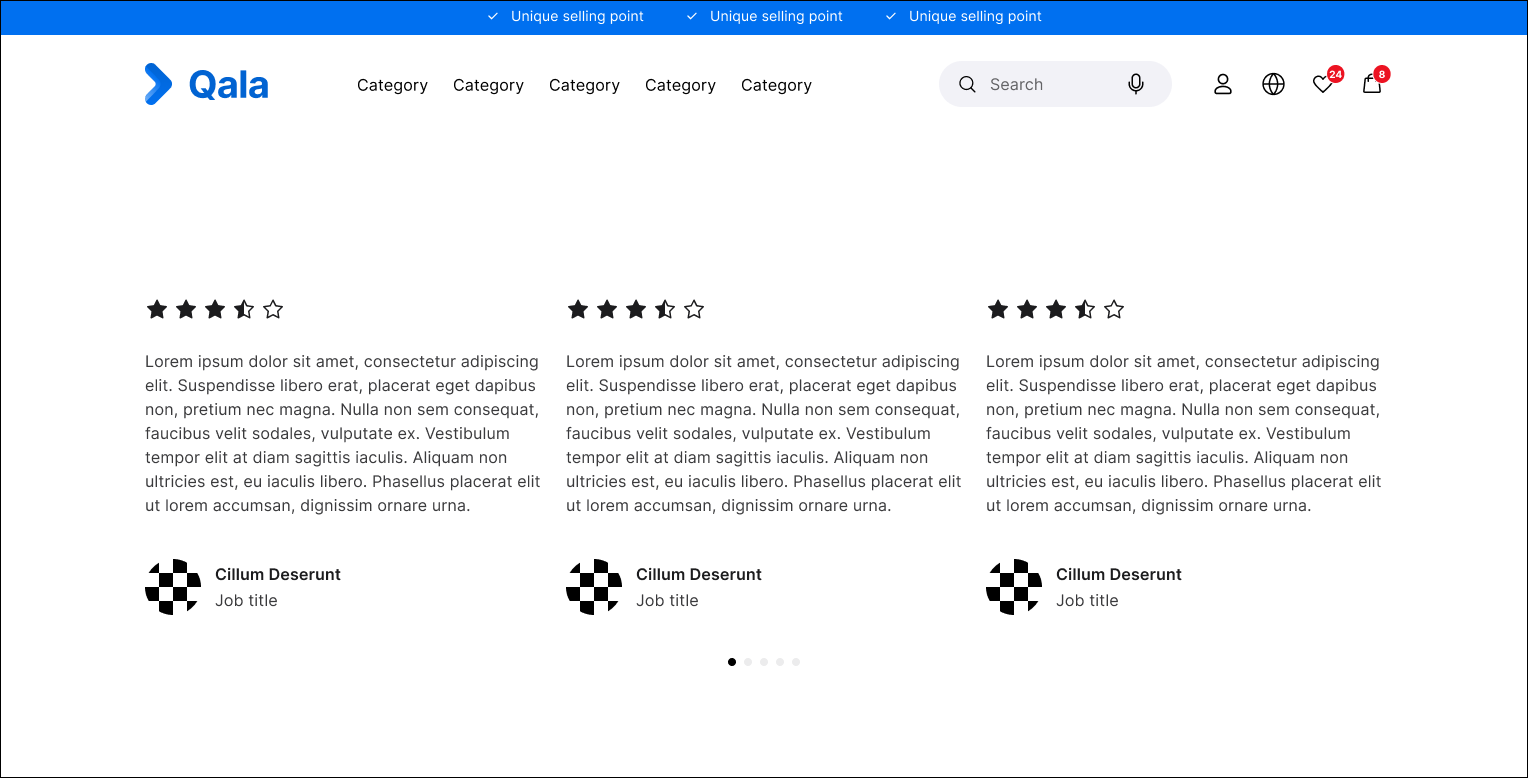
Testimonials
Accordion
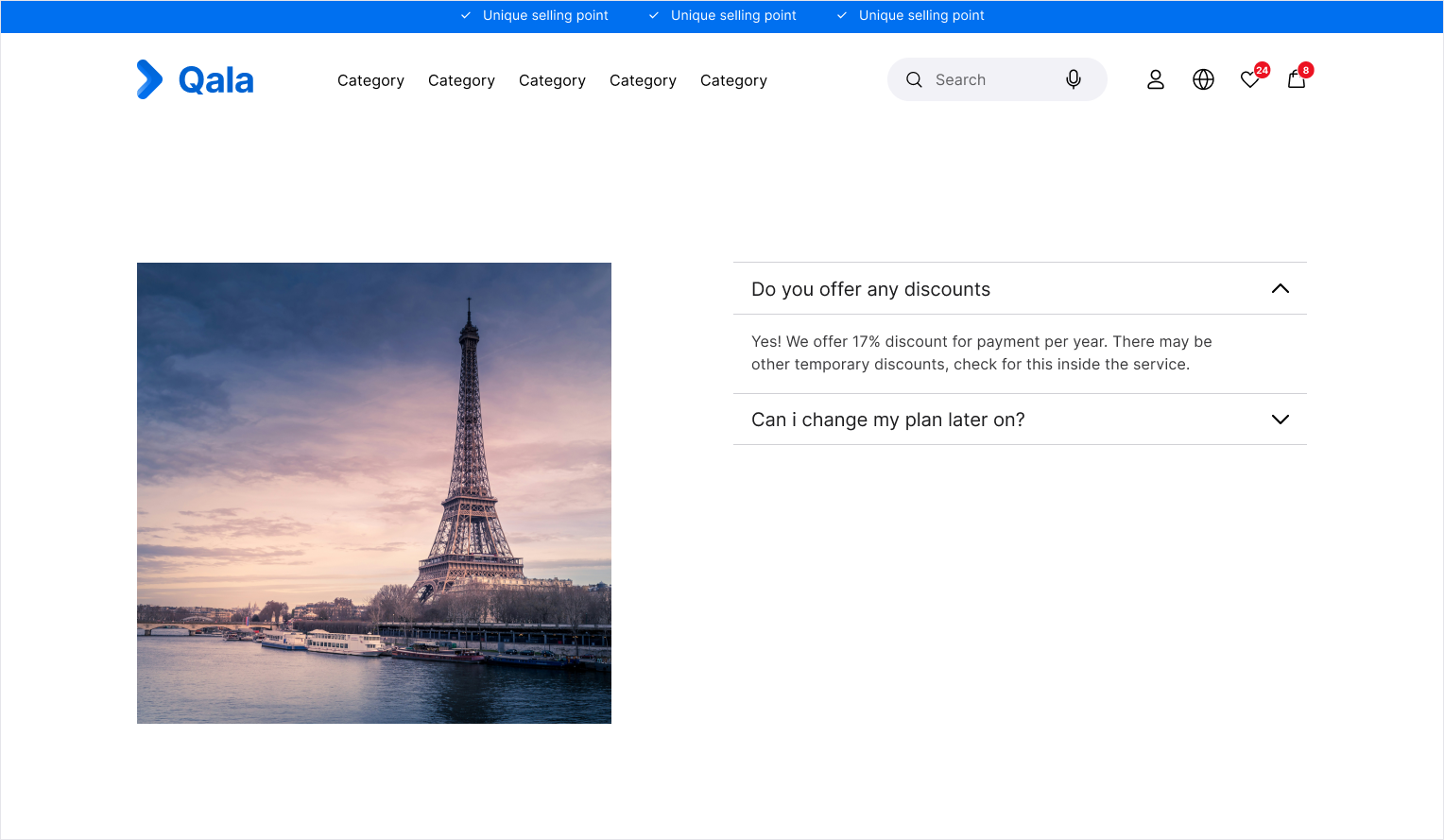
Multi image Accordion